
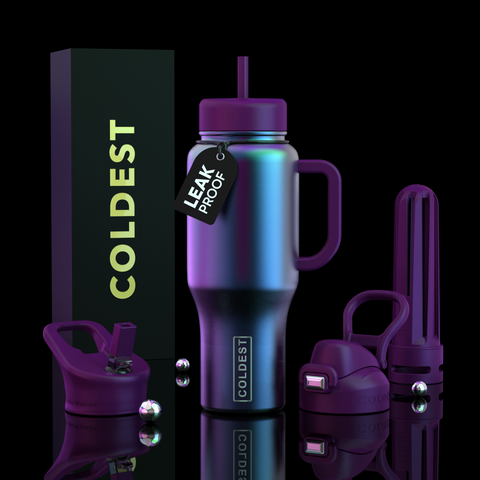



COLDEST E-Gift Card
Can't decide on the perfect gift? Get them something you know they'll love with a COLDEST e-gift card.
Frequently added
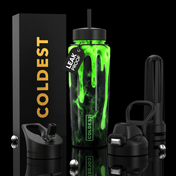
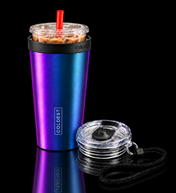
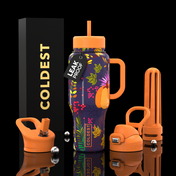
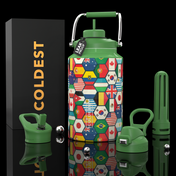
Customers often grab these together.

Customer photos
Add your photoCan't decide on the perfect gift? Give the gift of COLD. Get them something you know they'll love with a COLDEST e-gift card.
Product FAQ: Answers from COLDEST
How does the e-gift card work?
It's a digital gift card, so there's nothing to ship. The lucky person enters the code at checkout on coldest.com.
What amounts are available?
$10, $25, $50, $75, $100 or $250.
What can they buy with it?
Anything on coldest.com: they pick the bottle, size and design they love, and enter the code at checkout.
Can I return a gift card?
Gift cards are final sale.
Can I buy more than one e-gift card at a time?
Yes. Choose a denomination, then set the quantity on this page before you add the e-gift cards to your cart.
See all 9 FAQs
Can I add my e-gift card to Apple Wallet or print it?
Yes. The gift card page, which shows the card's code, has an Add to Apple Wallet button and a Print button, so you can save the card there or print a copy.
How do I check the balance on my e-gift card?
The gift card page shows it. That page lists the gift card value and the balance left on the card, and if a card has an expiry date, it shows that date too.
What if my e-gift card code isn't working?
Contact Coldest support at support@coldest.com or call 305-204-1741. Include your e-gift card details so the team can look into it for you.
Can the person I'm gifting earn Coldest rewards?
Yes. Creating a Coldest account lets them earn Coldest VIP rewards points, called Ice Cubes, starting with 100 Ice Cubes for signing up.


